A pre-deploy job is an optional task that runs after each build, but before all your services are deployed. It is commonly used for preliminary tasks which are required for your services to run, such as a database migration or seeding. Note: any commands that are used to build your application should not be included in a pre-deploy job, as the build will already be completed by the time the pre-deploy job is run. You can specify the pre-deploy job for your application both in the Porter dashboard and in yourDocumentation Index
Fetch the complete documentation index at: https://porter-mintlify-469fcfda.mintlify.app/llms.txt
Use this file to discover all available pages before exploring further.
porter.yaml file.
Configuring pre-deploy in the Porter dashboard
You should see the pre-deploy section at the top of your application’s Overview tab: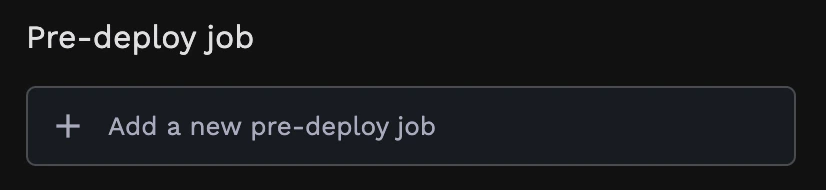
bash ./migrate-db.sh) as well as resources allocated for the job.
After updating your application, the pre-deploy command will be run after the next build.
Configuring pre-deploy in the porter.yaml file
If you are new toporter.yaml, start here. Otherwise, see here for information about configuring a pre-deploy job in your porter.yaml file.
Tracking pre-deploy progress
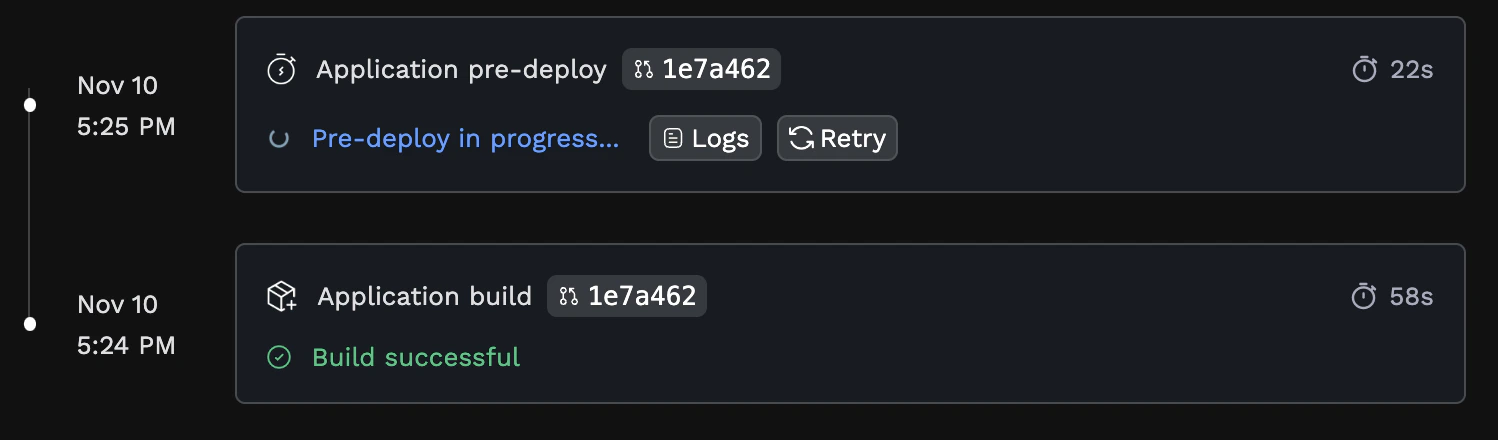
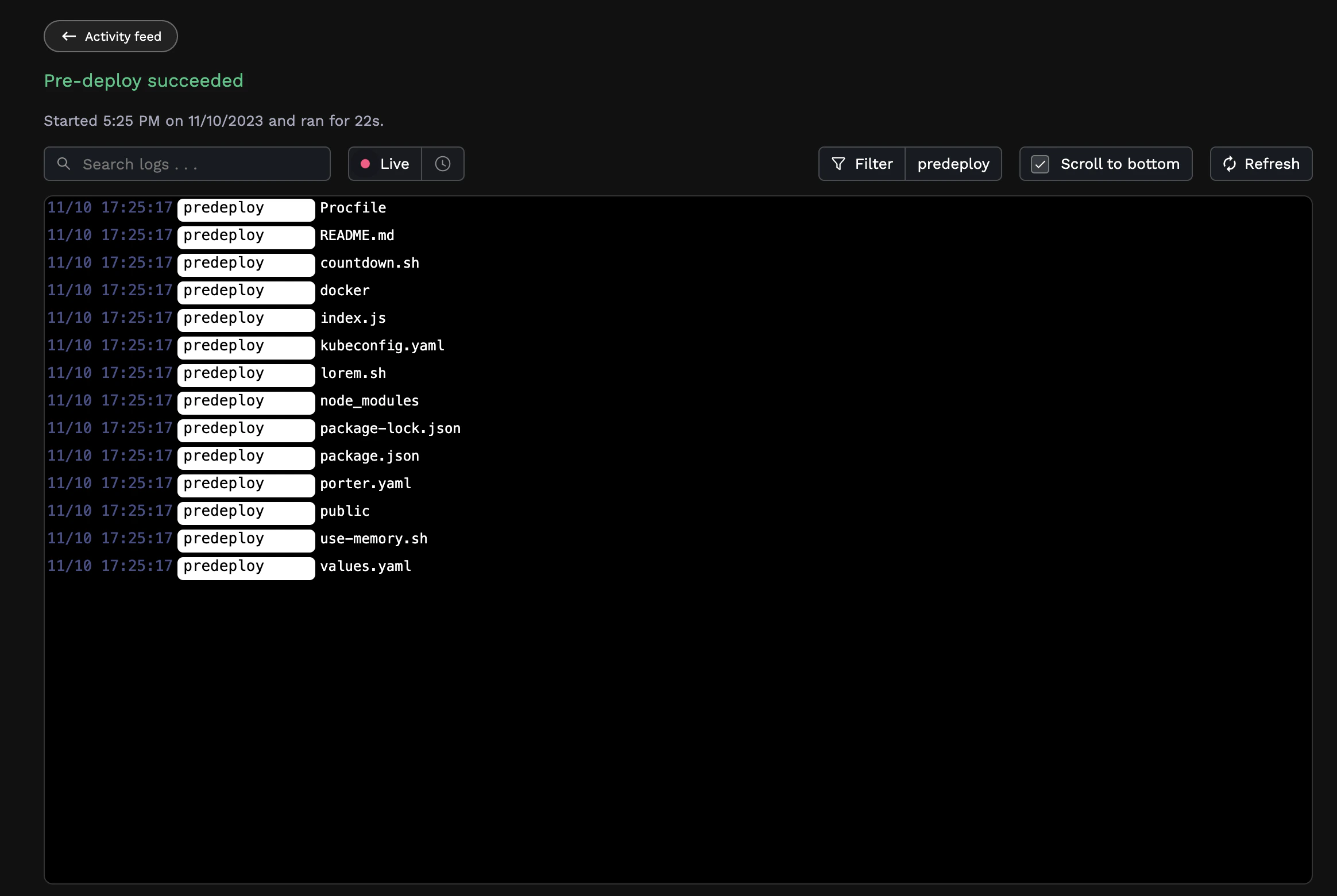
Your pre-deploy job will run after your build completes successfully. You can track its progress in the Activity tab of your application: